
change qlik sense settings for execute python script
- change engine setting from standard to legacy
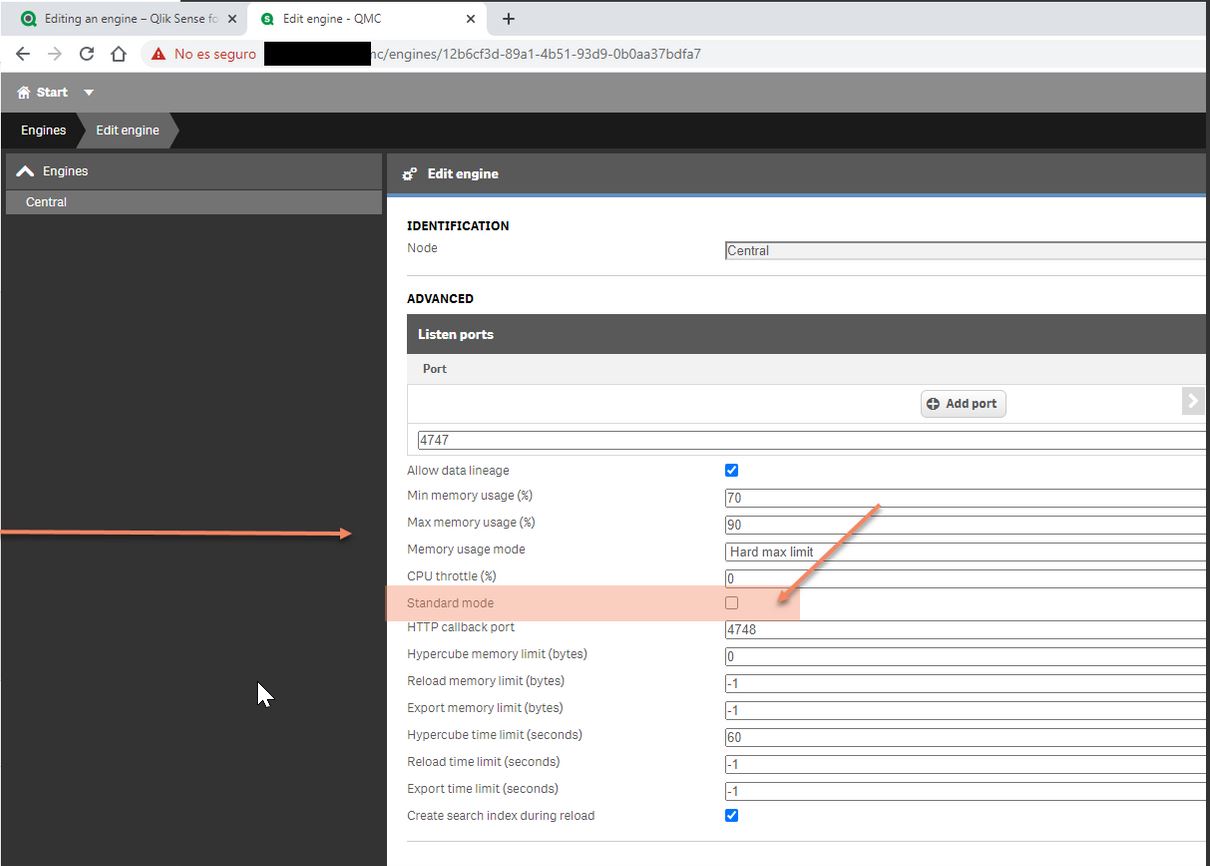
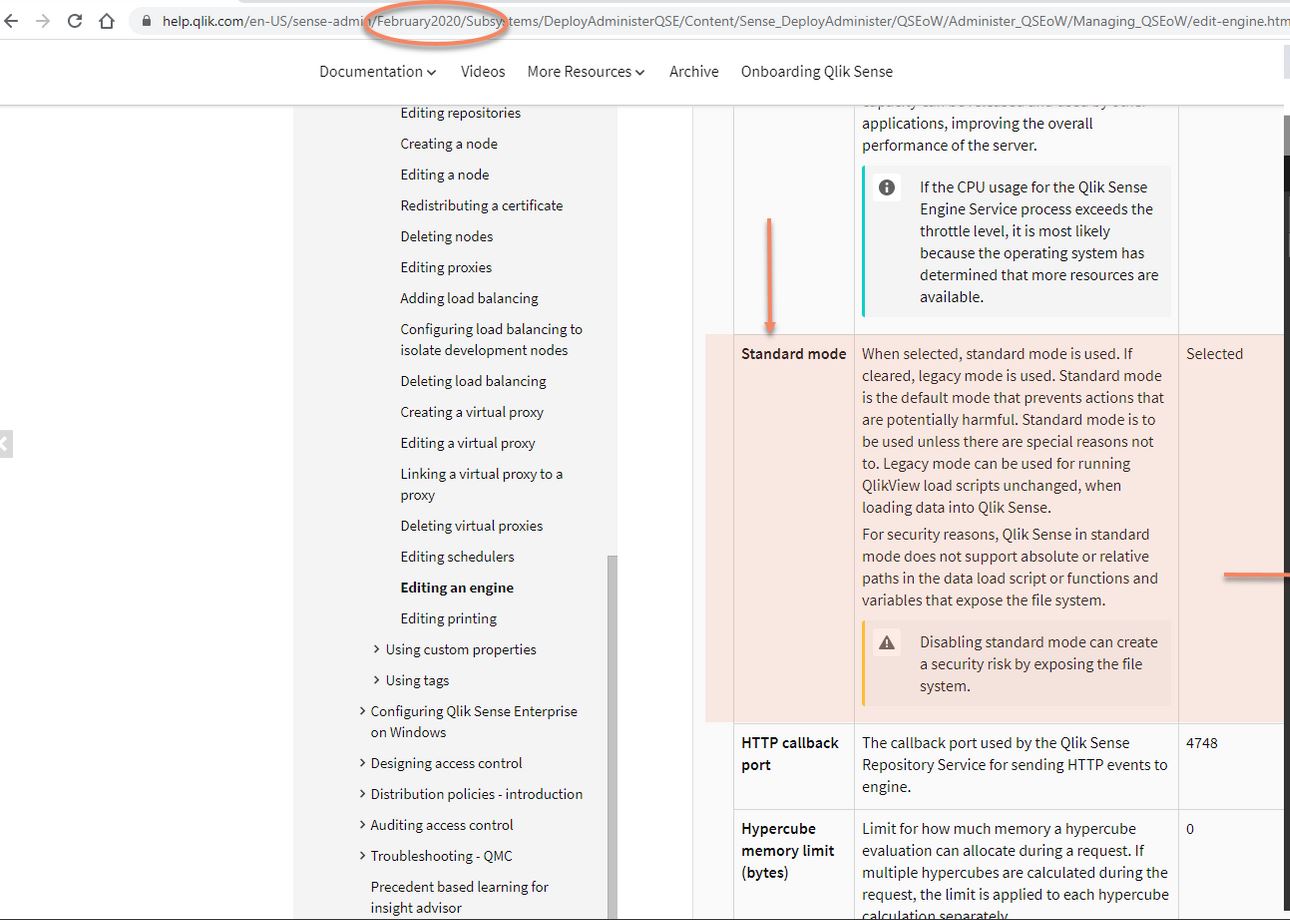
- change settings.ini under the folder C:\ProgramData\Qlik\Sense\Engine\
- Make a copy of Settings.ini and open it in a text editor.
- Check that the file includes [Settings 7] in the first line.
- Insert a new line and type OverrideScriptSecurity=1.
- Insert an empty line at the end of the file.
- Save the file.
Add the execution line in load script
Execute “C:\Python37\python.exe” “C:\bdc\manage.py” update_daily_sales;
For Django we can create management command for this purpose